


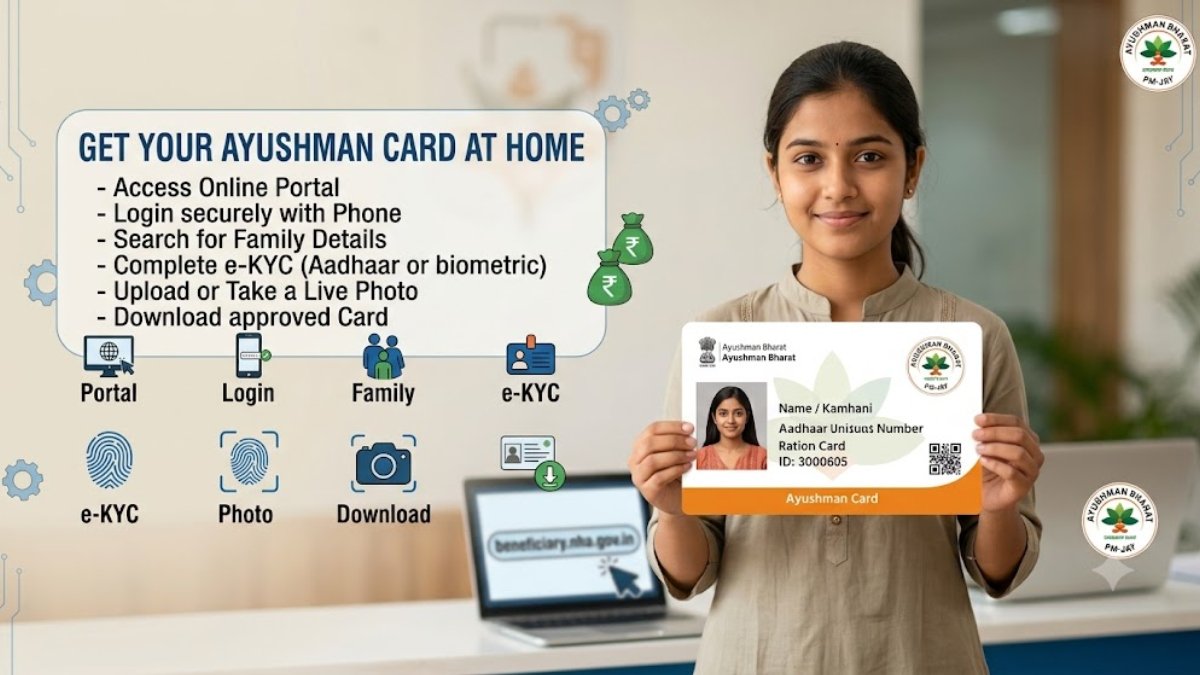
Ayushman Card: Healthcare expenses can easily burn a hole in anyone’s pocket. To ensure that poor and vulnerable families don’t have to worry about medical bills during emergencies, the Indian government launched the Ayushman Bharat Pradhan Mantri Jan Arogya Yojana (PM-JAY). Under this scheme, eligible beneficiaries get the Ayushman Card, which offers free medical treatment of up to ₹5 lakh per family per year at empaneled public and private hospitals across the country.
The best part? You don’t need to stand in long queues at government offices anymore. You can apply for and download your Ayushman Card right from the comfort of your home using your smartphone or computer.
Here is a complete step-by-step guide on how to get your Ayushman Card at home easily.
What are the Benefits of the Ayushman Card?
Before jumping into the application process, here is a quick look at what this card offers:
- Free Coverage: Up to ₹5 lakh per family every year for secondary and tertiary care hospitalization.
- Cashless Treatment: No need to pay cash at the hospital; all eligible expenses are covered directly under the scheme.
- Wide Hospital Network: Valid in thousands of government and empanelled private hospitals across India.
- Pre & Post-Hospitalization: Covers medical exams, treatment, consultations, medicine costs, and post-discharge care.
Basic Requirements Before You Start
To complete the application online from home, make sure you have the following ready:
- Aadhaar Card (linked with your active mobile number for OTP verification).
- Ration Card or Family ID (to verify your family members).
- A active smartphone or laptop with an internet connection.
How to Get Ayushman Card at Home (Step-by-Step Process)
You can apply online either through the official Beneficiary Portal or the Ayushman App. Here is the easiest method using the official website:
Step 1: Visit the Official Portal
Go to the official Ayushman Bharat beneficiary portal at beneficiary.nha.gov.in.
Step 2: Log in as a Beneficiary
Select the “Beneficiary” option on the right side of the homepage.
- Enter your 10-digit Mobile Number and click on Verify.
- Enter the OTP received on your phone, fill in the Captcha code, and click Login.
Step 3: Search for Your Family
Once logged in, fill in your details:
- Select your State, Scheme (PMJAY), District, and Search By (Aadhaar Number, Ration Card Number, or Family ID).
- Click on the Search (Search Icon) button.
- A list of all members linked to your family ID or Aadhaar will appear on the screen.
Step 4: Complete e-KYC
Look for your name in the list. If your card is not created yet, you will see an “Action” column with an e-KYC option.
- Click on e-KYC.
- Authenticate yourself using Aadhaar OTP (an OTP will be sent to the mobile number registered with your Aadhaar).
- Enter the OTP to verify your identity.
Step 5: Upload Photo & Submit
After OTP verification, your basic details from Aadhaar will automatically populate.
- Capture or upload a clear live photo using your phone/webcam.
- Fill in minor remaining details (like mobile number, pincode, and relationship with head of family).
- Click on Submit.
How to Download Your Ayushman Card?
Once your e-KYC is submitted, the system usually approves it within a few minutes (or up to 24-48 hours in some cases).
- Log back into beneficiary.nha.gov.in using your mobile number.
- Search for your family details again using your Aadhaar or Ration Card number.
- Next to your approved name, click on the Download Card icon.
- Verify using Aadhaar OTP once more.
- Your Ayushman Card will be downloaded as a PDF file. You can print it out or keep a digital copy saved on your phone!
Final Thoughts
The Ayushman Card is an essential safety net for millions of families, ensuring that a medical emergency doesn’t turn into a financial crisis. Thanks to digital portals, generating and downloading your card takes less than 10 minutes from home. If you or your family members are eligible, make sure to get your card generated today!

